A Trial Run with Adobe Captivate: Promise, Friction, and Possibility
My experience using Adobe Captivate to create a lesson was an eye-opening one for me. To give context to this experience, it helps to explain what I teach and how I typically teach it. I am an outdoor educator working with elementary-aged students ranging from five to eleven years old.
When I need to deliver instruction before an outdoor lab, it usually takes one of two forms. The first is a full forty-five-minute indoor lesson one week, followed by an outdoor lab the next week, since I only see each class once per week. The second format is a short, fifteen-minute lesson using Google Slides, followed immediately by heading into the woods to apply the learning. My use of technology is intentionally simple. Most of my teaching relies on field guide books, clipboards and pencils, compasses, hand drills, and other hands-on tools.
How I deliver informational lessons before outdoor labs will likely change now that I have been experimenting with Adobe Captivate. Captivate has a user interface that feels familiar, similar to Google Slides or PowerPoint. While I do wish there were more flexibility with image placement and layout, the overall design process was fairly intuitive. I want to preface this by acknowledging that any limitations I experienced may be due to my use of the free trial version or my own inexperience with the software.
One of my favorite features is the ability to add voiceovers to slides. This is especially helpful for my younger students who are still developing reading skills, as well as for my English language learners. Having audio support built directly into the lesson adds an important layer of accessibility that I value as an educator.
Overall, I would describe my experience with Adobe Captivate using a “compliment sandwich.” Building the lesson itself was enjoyable and engaging. However, the publishing and sharing process was far less intuitive and, at times, frustrating. I spent more time researching how to publish and share my lesson than I did creating it. I eventually found success by saving the project as a .zip file and uploading it to SCORM Cloud. In the future, I would like to learn how to embed these lessons directly into my Squarespace website. I recognize that many experienced users likely navigate this process with ease, but it was a challenging learning curve for me. The final lesson is one I am proud of and will use.
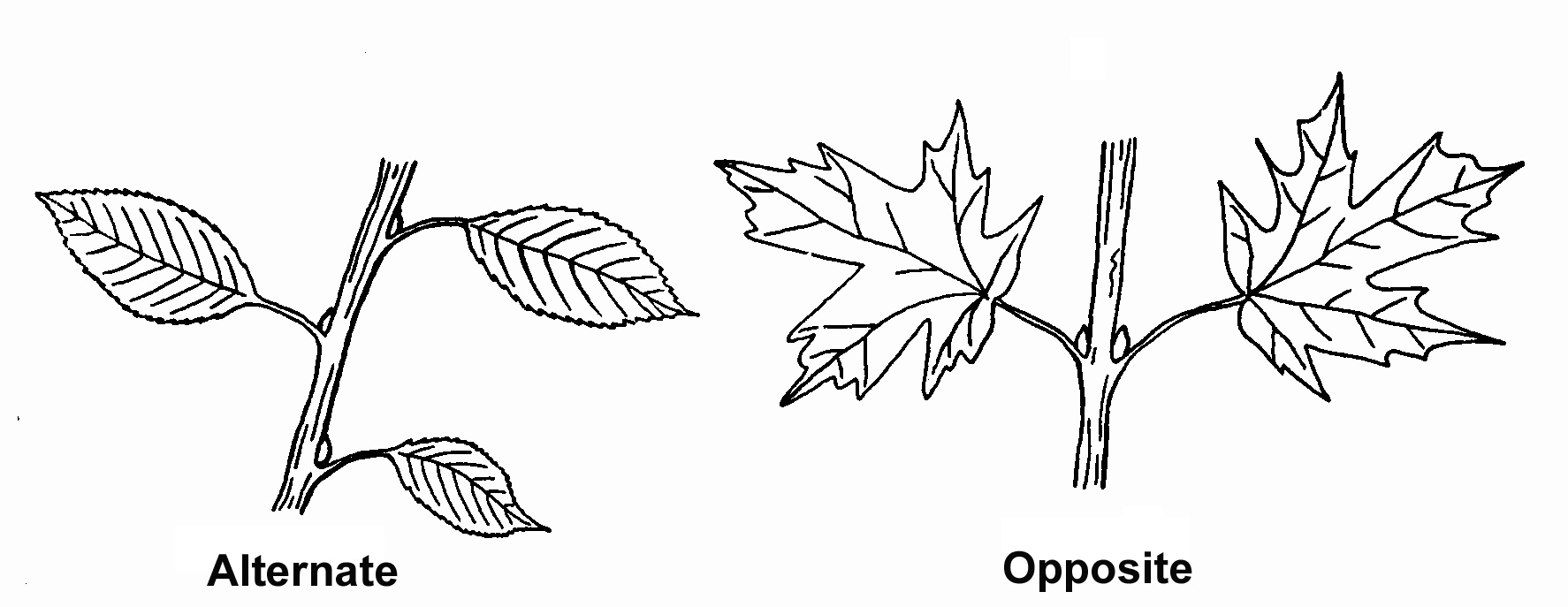
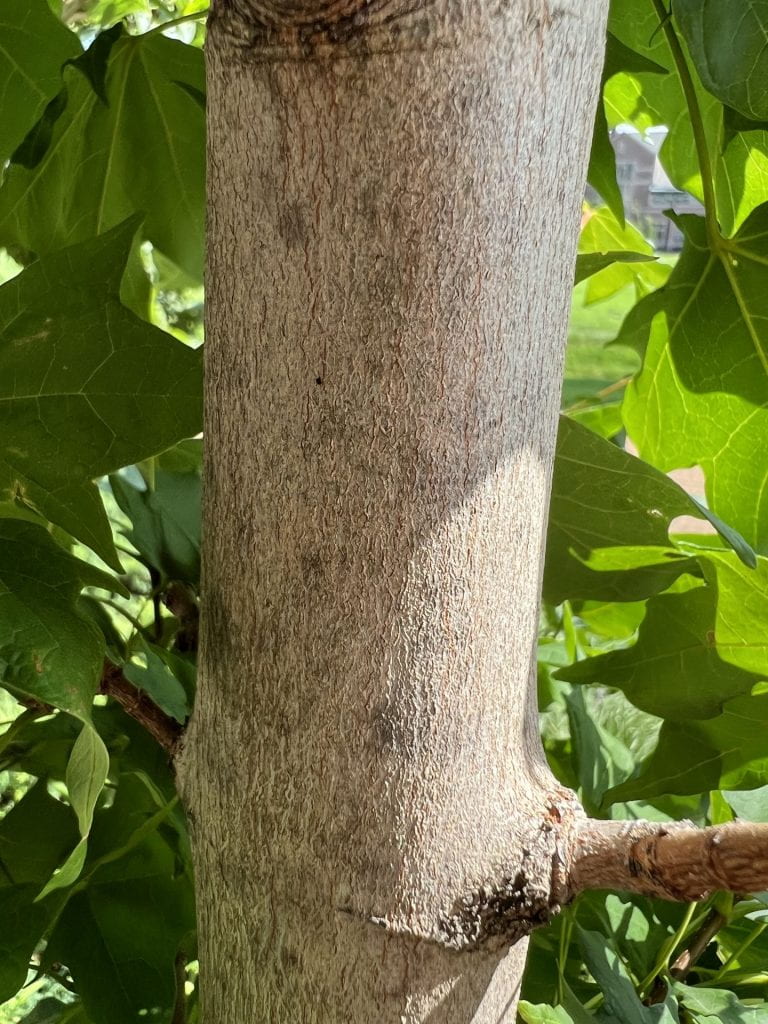
The lesson I created is one I teach every year in early March: identifying sugar maple trees in the winter. This lesson supports our maple syrup unit, where students learn to identify sugar maples before tapping them for syrup production. In the past, this lesson was delivered through Google Slides, which provided students with the basic information they needed. The Adobe Captivate version, however, allows students to move through the material at their own pace and revisit the content as needed. The lesson also includes a quiz, which gives me immediate feedback on student understanding.
Additionally, I was able to incorporate an introductory story from the Anishinaabe people, sharing Indigenous knowledge related to maple syrup and its cultural significance. I consistently strive to balance scientific identification of plants and animals with the traditional knowledge, names, and uses shared by First Nations Peoples in our region.
Works Cited
Adobe. (2025). Beech tree [AI-generated image]. Adobe Captivate. https://www.adobe.com/products/captivate.html
Adobe. (2025). Deciduous forest [AI-generated image]. Adobe Captivate. https://www.adobe.com/products/captivate.html
Adobe. (2025). Maple leaf [AI-generated image]. Adobe Captivate. https://www.adobe.com/products/captivate.html
Adobe. (2025). Oak leaf [AI-generated image]. Adobe Captivate. https://www.adobe.com/products/captivate.html
Adobe. (2025). Sugar maple trees [AI-generated image]. Adobe Captivate. https://www.adobe.com/products/captivate.html
Acorn Naturalists. (2026). Oak leaf and acorn display (Western oaks). https://www.acornnaturalists.com/oak-leaf-and-acorn-display-western-oaks.html
Beatty, B. (2024, January 31). Winter offers the best opportunity for tree identification. Bill Beatty Nature. https://wvbirder.wordpress.com/2024/01/31/winter-offers-the-best-opportunity-for-tree-identification/
Green Seattle Partnership. (2018). Opp vs. alt: Growing stories [Photograph]. https://greenseattle.org/wp-content/uploads/2018/12/Opp-vs.-Alt-Growing-Stories.jpg
King’s Landing Historical Settlement. (n.d.). Learn how to make candy on the snow [PDF]. Retrieved February 7, 2026, from https://kingslanding.nb.ca/wp-content/uploads/2021/03/Maple-Lesson.pdf
Maple spinners. (2015, June 7). The Michigan Nature Guy’s Blog. http://www.michigannatureguy.com/blog/2015/06/07/maple-spinners/
Moonflowerlove. (2016, September 7). 23 get to know the trees ideas to save today [Pinterest board]. Pinterest. https://www.pinterest.com/moonflowerlove/get-to-know-the-trees/
Our One Acre Farm. (2014). Maple buds [Photograph]. https://ouroneacrefarm.com/wp-content/uploads/2014/03/maple-buds.jpg
Trees of the Adirondacks: Sugar maple (Acer saccharum). (n.d.). Wild Adirondacks. https://wildadk.org/trees-of-the-adirondacks-sugar-maple-acer-saccharum-marshall.html
Washington University in St. Louis. (2022). Tree bark [Photograph]. https://trees.wustl.edu/files/2022/12/AW124_Bark_Aug2022_LJL-768x1024.jpg
Webb, Z. (2023, March 1). Nanaboozhoo stories: Nanaboozhoo and the spirit of the maple tree [Video]. YouTube. https://www.youtube.com/watch?v=21MJnTCgMUc